
Recent reports show that the cloud threat landscape is more volatile than ever. Most recently, on 24th October 2025, Azure mitigated the largest DDoS attack in the cloud, a 15.72 Tbps assault, a feat launched by the Aisuru botnet.
As more attacks arise, that incident is a testament that one cannot simply rely on the default configurations. Your cloud environment is a target, regardless of whether you are an enterprise architect or the founder of a startup. Azure has tools at your disposal to empower you to strengthen your infrastructure; however, this may come at a hefty price. Knowing which tools to enable first and the cost it may incur is an overwhelming process.
In this article, I will break down the top 7 Azure security services you need to know, along with how they work with one another, and how services such as Pump are changing the game in cloud security posture management.
Why Azure Cloud Security Matters
Security in the cloud operates in a shared responsibility model, in which Microsoft secures the physical infrastructure, i.e., the data centers, the hardware, and the virtualization layer. Everything you upload to the cloud is on you. This includes your data, your endpoints, account management, and network configuration.
If you ignore your side of the bargain, the consequences go beyond just a slap on the wrist. The most benign are massive operational shutdowns due to policy violations, data breaches, ransomware attacks, and lockouts. The most pernicious involve operational crippling.
The damage is real. Inactivity is a loss. A tarnished reputation costs customers. With the policy-integrated safeguards offered by Azure, the same ones responsible for minimizing the impact of the Great DDoS Event of October, security becomes a defensible economic value instead of a deficit.
Top 7 Azure Cloud Security Tools You Should Know
1. Microsoft Defender for Cloud
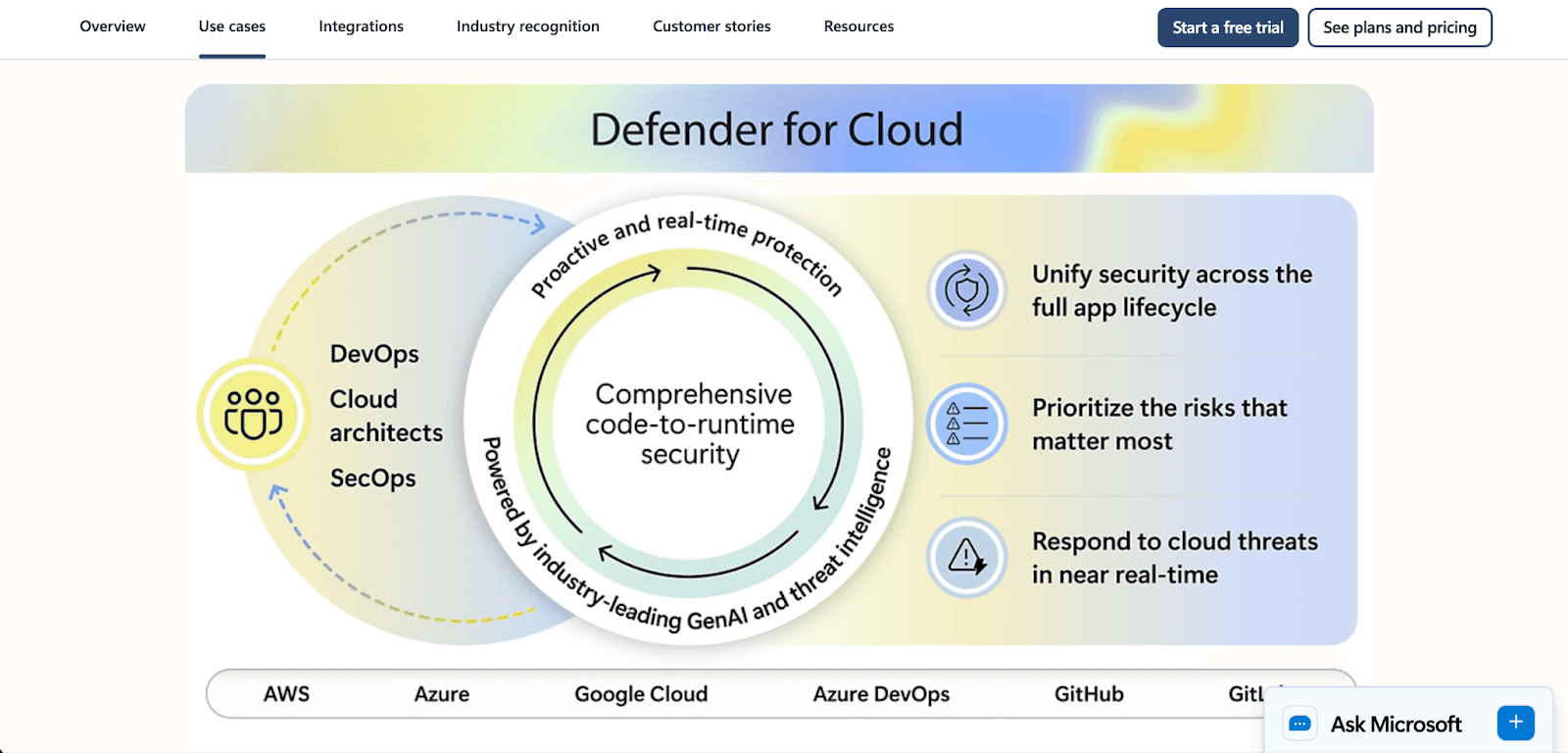
Microsoft Defender for Cloud is the most secure cloud-native application protection platform that acts as the primary command center. It provides full visibility across your environment by integrating cloud security posture management (CSPM) to identify gaps and cloud workload protection platform (CWPP) to defend against active attacks.
Core Capabilities: Vulnerability scanning, security recommendations, and real-time threat detection for servers, storage, and containers.
Pricing: Offers a free trial for the initial month, including foundational CSPM protection. Charges incurred for additional advanced protections on a pay-per-resource basis.
What you should do: Fix and address the unhealthy resources marked on your dashboard to receive security recommendations for free.
2. Microsoft Sentinel
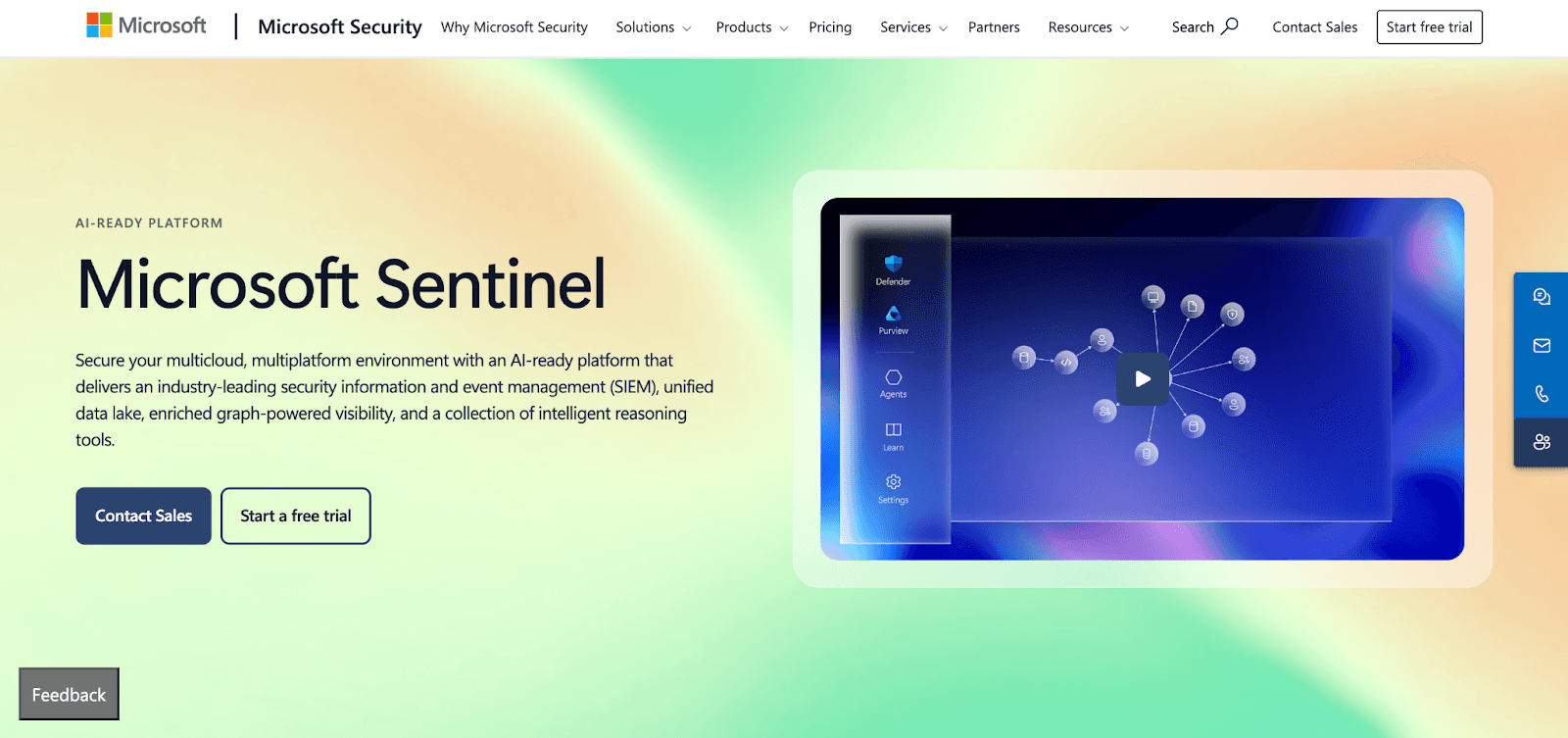
Microsoft Sentinel, added to Azure, is the first true cloud SIEM and SOAR. While Defender focuses on protection, Sentinel focuses on investigation. Sentinel leverages AI to monitor and protect enterprise environments at scale as a preventative measure by monitoring for and mitigating IT threats.
Core Capabilities: Automated incident response via playbooks, threat hunting, and intelligent security threat analytics.
Pricing: Starts at the pay-as-you-go Azure rate of $5.22 for the first 31 days of log ingestion at 10GB logs a day for free.
What you should do: Connect your Office 365 and Azure Active Directory logs to Sentinel to get a 30-day baseline of your security telemetry data.
3. Azure Key Vault
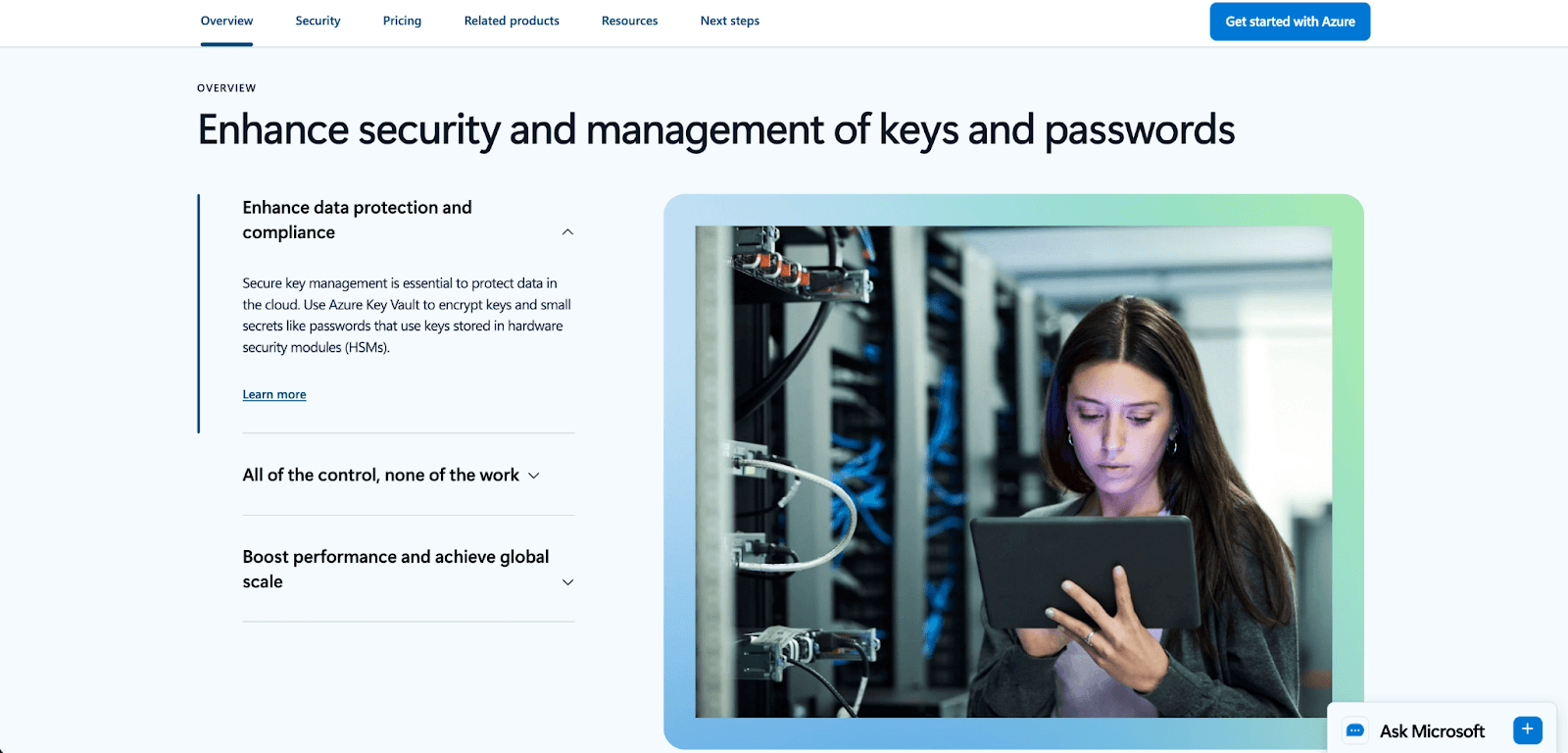
Your application code will be in serious trouble if you hard-code your passwords. Microsoft Azure Key Vault alleviates this issue by acting as a solid vault for your important data.
Core Capabilities: Secure storage for API keys, passwords, certificates, and cryptographic keys. It has the potential to use Hardware Security Modules for FIPS 140-2 Level 2 compliance.
Pricing: Very low. Standard and premium tier operations cost $0.03 per 10,000 transactions.
What you should do: Review your code for API keys and sensitive database passwords. Move these to Key Vault and set access policies to control who or what can access them.
4. Azure Firewall
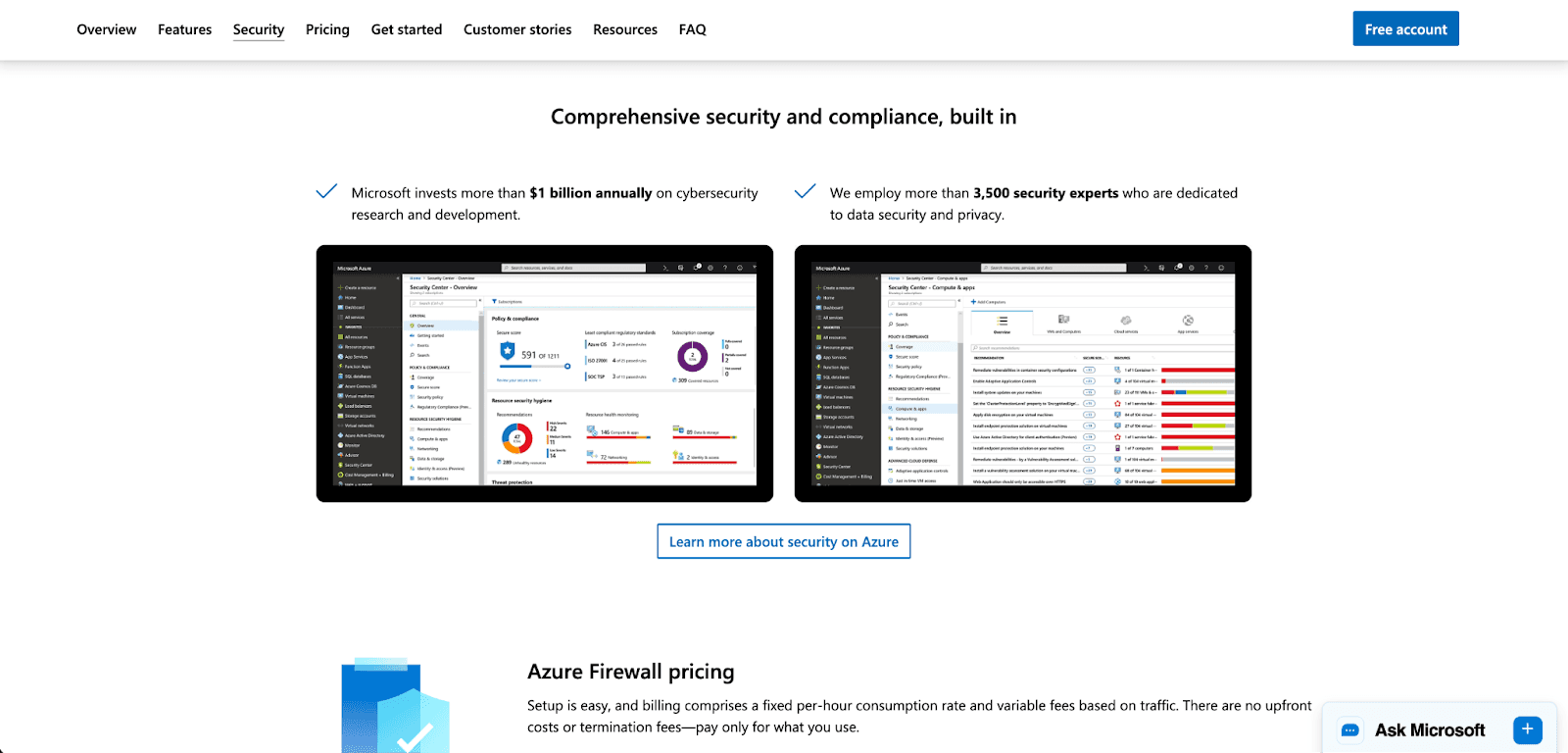
Azure Firewall is a cloud-based network security service designed specifically to protect Azure Virtual Network resources. This is your intelligent gatekeeper. Unlike a traditional on-premise firewall, it scales automatically to your network traffic.
Core Capabilities: Stateful inspection, threat intelligence-based filtering, and integration with Azure Monitor.
Pricing: Basic, Standard, and Premium. Basic is a lower-tier offering essential protection and is, therefore, cheaper, making it ideal for SMB
What you should do: Start with a Basic or Standard SKU, then create and deploy policy-based firewall rules to filter traffic logging to a Log Analytics workspace.
5. Azure DDoS Protection
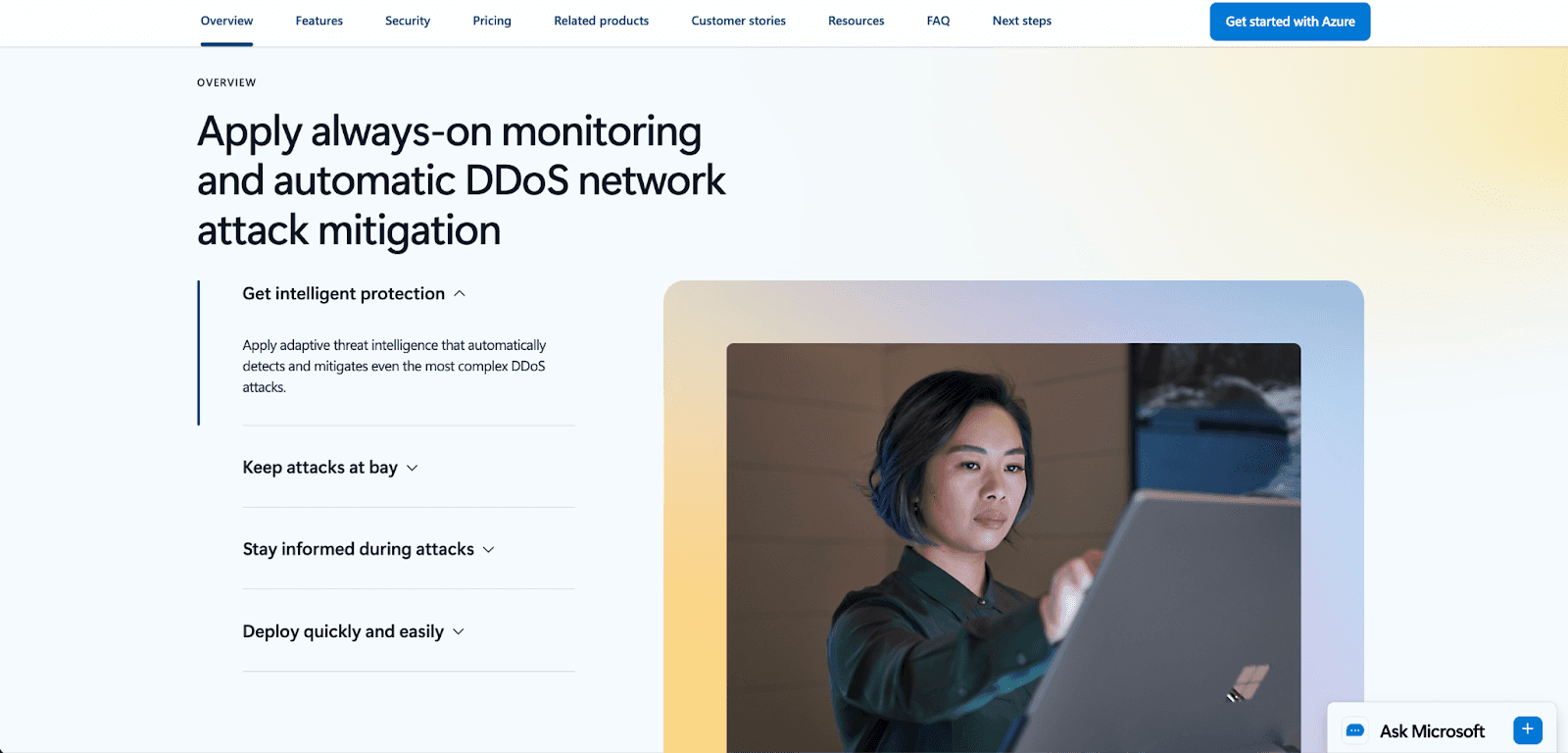
DDoS attacks are getting bigger and smarter, and Azure DDoS Protection addresses this problem with always-on monitoring and adaptive tuning. Azure DDoS Protection customizes your defenses to your specific traffic patterns to effectively block malicious traffic while leaving legitimate traffic intact.
Core Capabilities: Industry-leading capacity and mitigation, always-on monitoring, and real-time adaptive tuning.
Pricing: The Standard plan covers up to 100 resources.
What you should do: Enable protection on your virtual network and run a test mitigation plan to ensure your team is attack prepared.
6. Azure Policy
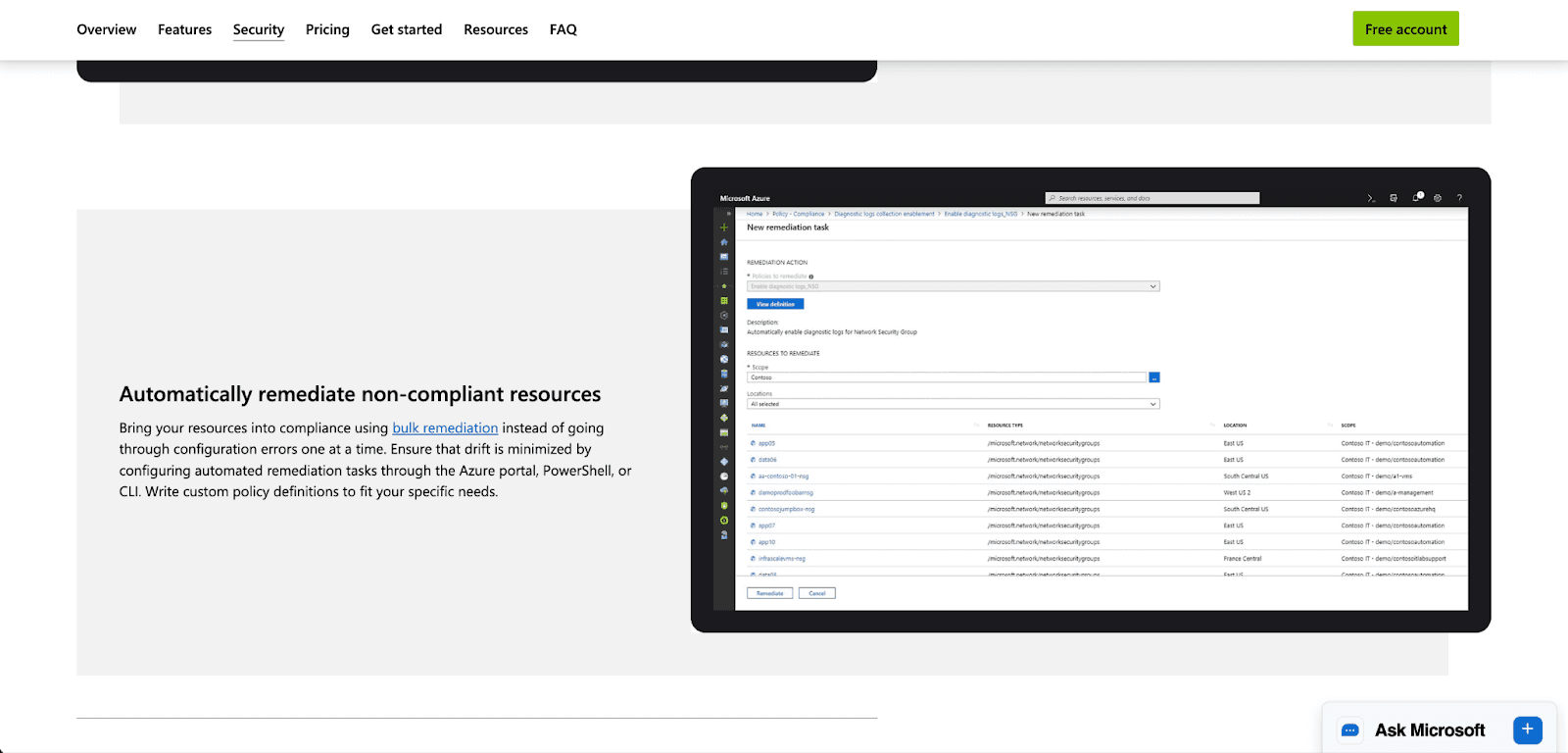
While policy governance may not be thrilling, it is critical to most business and operational models. It is needed to execute business governance at scale. Azure Policy facilitates the implementation of business governance models and the evaluation of their effectiveness. It addresses the problem of "configuration drift" within resources (e.g., a developer spinning up an unsecured server).
Core Capabilities: Bulk remediation, compliance dashboards, and automated guardrails (e.g., blocking users from creating resources in disallowed regions).
Pricing: The core service is offered free of charge.
What you should do: Apply built-in policy initiatives like the CIS Benchmark or GDPR standards to your development subscriptions to prevent or minimize issues.
7. Microsoft Entra ID (formerly Azure AD)
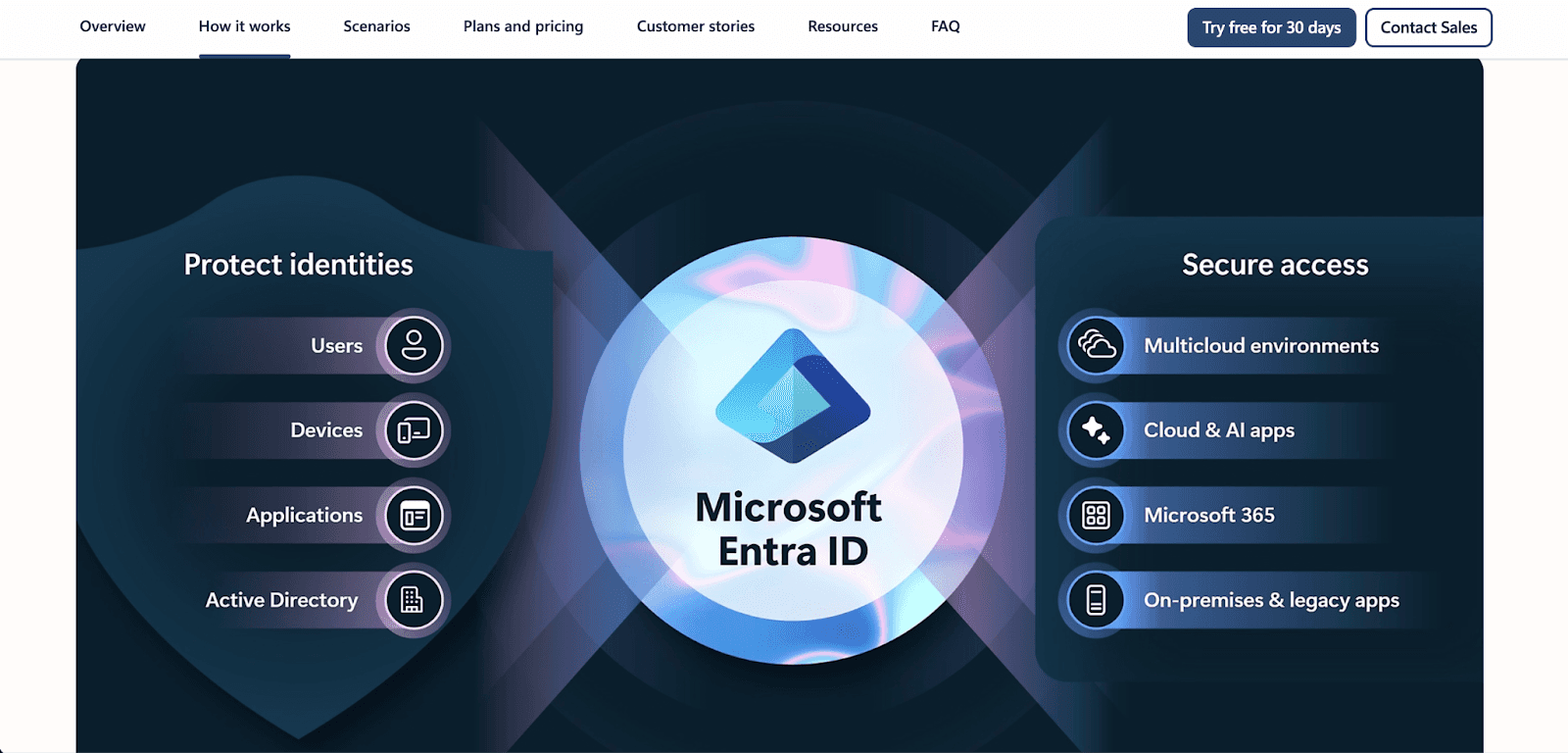
Identity is becoming the new perimeter. Microsoft Entra ID manages user identities and controls access to resources. They also help protect you from credential theft and phishing, which are issues you must deal with.
Core Capabilities: Multi-Factor Authentication, Conditional Access policies, and Privileged Identity Management (PIM) to minimize administrator access.
Pricing: A free tier is available; the more advanced features, like Conditional Access risk policies or PIM, are P1 and P2 licensed features.
What you should do: Enforce MFA for all users and use PIM to ensure nobody has permanent administrator access ("just-in-time" access).
How These Azure Security Tools Work Together
The true essence of security lies within the interconnectivity of the tools at your disposal. This is how an Azure secure architecture is designed:
Identity: A user logs in via Microsoft Entra ID. Conditional Access determines if the user is on a healthy device and situated in a designated location.
Perimeter: Their request passes through Azure Firewall and is protected by Azure DDoS Protection to validate that the request is real.
Resource Protection: Azure Policy ensures that the devices and resources requested by the user are set up in a compliant manner, such as ensuring that all devices are in an encrypted state.
Secrets: The application uses Azure Key Vault to securely obtain the passwords for the databases rather than storing them in an insecure configuration file.
Anomaly Detection: Microsoft Defender for Cloud oversees the workload to ensure there are no anomalies within the processes being executed, such as the execution of malware.
Threat Response: Microsoft Sentinel automatically processes the alert when a threat is detected, and one or more logs of the event are pulled at the same time, and it executes a playbook to quarantine the endpoint.
Use Pump Secure
While the automated protections of cloud security are substantial, gaining the security context is often complex and cumbersome. This is the role of Pump Secure.
Currently, Pump Secure provides an effective, free security scanner for AWS environments. In 5 minutes, it performs hundreds of automated analysis based on the Well-Architected Framework to determine core risks. We are currently developing our Azure version, and we will bring it back.
Why Pump Secure is revolutionary:
Fast Automated Scans: You don't need to be a security engineer to understand your risk. We instantly highlight the critical “Fail” risks.
Free Entry Point: Just like our cost optimization platform, we will never sign an overpriced contract to gain access to basic security.
Actionable Insights: We don't just show you the problem; we guide you to the fix.
Conclusion
I hope you learned everything about securing your Azure environment. I suggest starting with the basics, like enabling MFA in Entra ID, activating the Defender for Cloud free basic recommendations, and transferring your secrets to the Key Vault. These actions create a base of security that makes it considerably more difficult for attackers to gain a foothold in your environment. And for an automated, hassle-free view of your security posture, use Pump Secure.
Frequently Asked Questions
Which Azure service do I enable first for security?
Start with identity protections in Microsoft Entra ID. Enforcement of Multi-Factor Authentication is proven to block 99.9% of identity attacks. Then, enable Microsoft Defender for Cloud to gain visibility into your security posture.
How does Microsoft Sentinel differ from Defender for Cloud?
Microsoft Defender for Cloud is concerned with the security posture and protection of particular workloads (servers, databases). Microsoft Sentinel is a SIEM/SOAR solution that incorporates logs from all sources (users, apps, and firewalls) to identify patterns and automate a response across the enterprise.
Does Azure include DDoS protection?
Yes. Azure includes basic DDoS protection at no additional cost and protects the Azure infrastructure. For your special-purpose apps, you should get Azure DDoS Protection (Standard), which offers adaptive tuning, continuous monitoring, and cost protection guarantees during attacks.
Can Pump Secure scan Azure today?
Currently, Pump Secure offers automated security scans on AWS accounts. We plan to add support for Azure soon and will be bringing the same rapid, well-architected scanning capabilities to the Microsoft cloud.



